Customer Popup Functionality
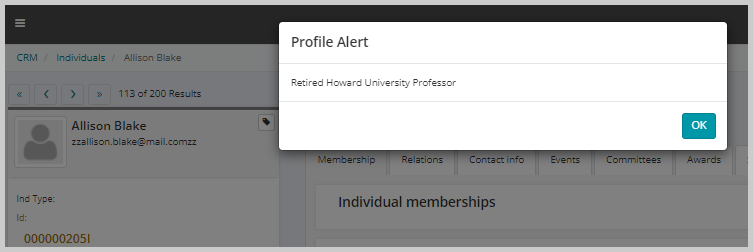
The Customer Popup functionality is a handy option for when you need to make sure that all staff users are aware of something about a customer when interacting with that customer. You can set up a special popup message that displays when the individual’s or organization’s record is opened (this is useful in reminding if the individual is a board member, past chairperson, or a customer being past due on invoices).
To add profile alert for an individual or organization:
-
Go to the individual or organization profile for which you wish to add a profile alert message.
-
On the individual or organization profile, click the Edit profile menu and select Contact info.
-
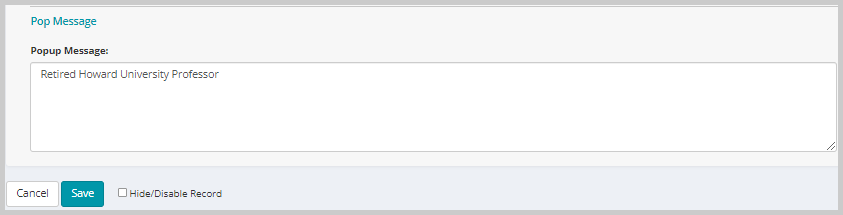
On the Edit Contact Information form scroll down to the Popup Message section.
-
Enter the text in the Popup Message field that you wish to display as profile alert on the profile while navigating through or viewing the profile.

This will display the Edit Contact Information form.
Once you save the Popup Message text, the system will display the text as a profile alert every time a staff user navigates to the customer profile.