Removing the NetForum Outlook Add-In
If at some point you need to remove the NetForum Outlook Add-In from your computer:
- Expand your Windows Start Menu.
- Click the Control Panel link.
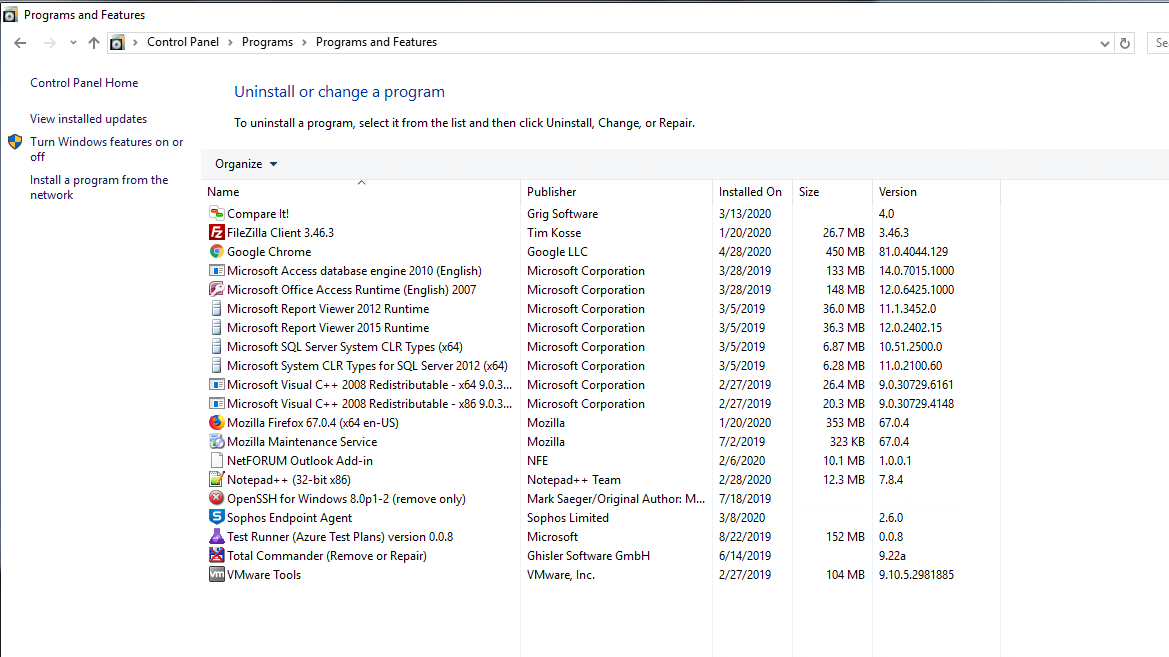
- Click the Uninstall a program link.
- Double-click the NetFORUM Outlook Add-in option from the Uninstall or change a program pop-up window.
- Click the Yes button.

The Programs and Features pop-up window will display asking you to confirm the removal of the selected program.
The NetFORUM Outlook Add-in will be uninstalled.