List Committee
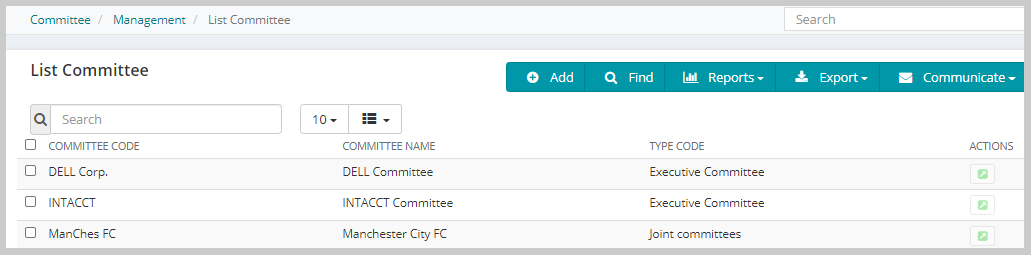
Use the ListCommittee group item link to list committees in the database.
To list Committees, use the following steps:
- Go to Modules > Committee > Management > ListCommittee to list committees in the database. The List - Committee window opens.
- Click on any committee to open the profile window.
For information on interacting with the list using the Child Form Action Buttons at the top of the List page, see the List help topic.