Find Case Categories
Use Find Case Categories to search for case categories in your database.
Find
1. To search for case categories in your association's database, click Case Categories>Find Case Categories.
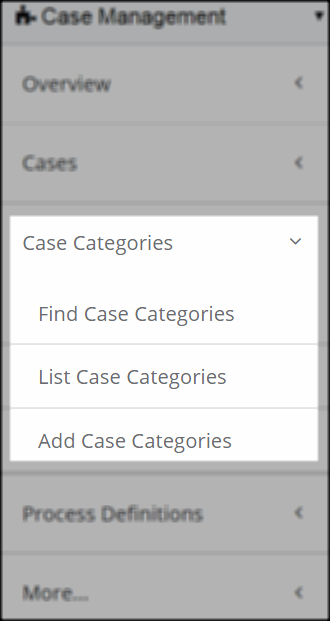
Case Categories Group Item - Find Case Category
2. The basic Find - Case Category form opens. To narrow your search, click the Advanced View checkbox. Expanded Boolean search options appear for each search criteria field. Enter your search criteria and click the Go button.

Find Case Categories Form - Advanced View
3. A list of search results display in the List - Case Categories screen. If only one result comes of the search, the profile screen for that result automatically opens.
More information
Boolean search