Add Cache Setup
Many areas of NetForum use Caching to enhance performance and system speed.
To add a Cache Setup, use the following steps:
Go to . The Add Cache Setup page opens.
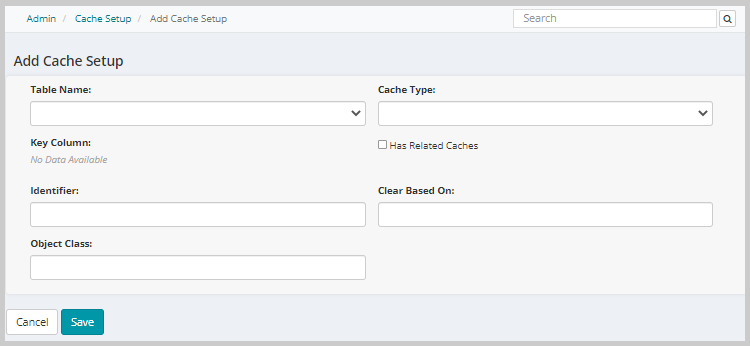
Use the descriptions in the table below to enter information:
| Field Name | Required | Description |
|---|---|---|
| Table Name | Optional | Select the table to be cached. |
| Cache Type | Optional | Select the cache type. |
| Key Column | Optional | Select the key column. |
| Has Related Caches | Optional | Check this box if there are caches related to the cache you are adding. |
| Identifier | Optional | Enter an identifier. |
| Clear Based On | Optional | Enter conditions for clearing the cache. |
| Object Class | Optional | Enter the object class. |
Click Save to save the new cache setup and go to the List Cache Setup page. Click Cancel to return to the previous page without saving your changes.