Setting up a Taxable Product in NetForum
For the tax to be applied to a product, that product or its price need to have the taxable flag selected.
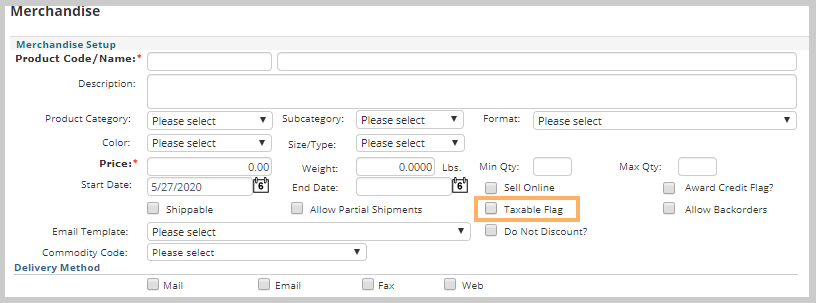
- For a Merchandise product, you need to check the Taxable Flag check box on the Merchandise product.
- For a Publication product, you need to check the Taxable Flag check box on the publication product.
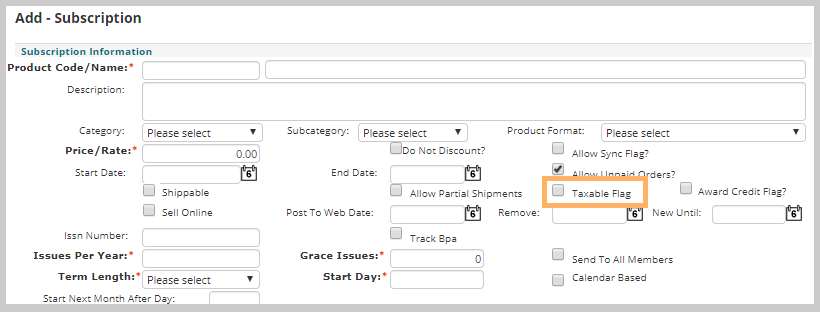
- For a Subscription product, you need to check the Taxable Flag check box on the subscription product.

Setting up a Taxable Shipping Product in NetForum
If the shipping needs to be taxable, then the Taxable check box must be selected for the shipping.
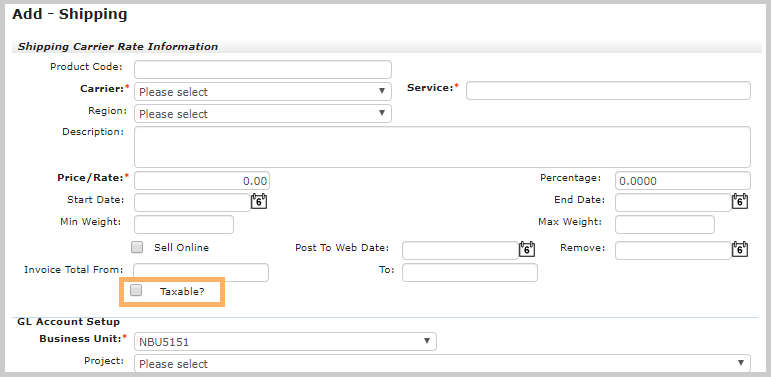
For the existing Shipping product, on the Shipping profile, click Edit button. From the displayed Edit – Shipping window, select taxable check box to make it taxable.

Setting up a Tax Exempted Customer in NetForum
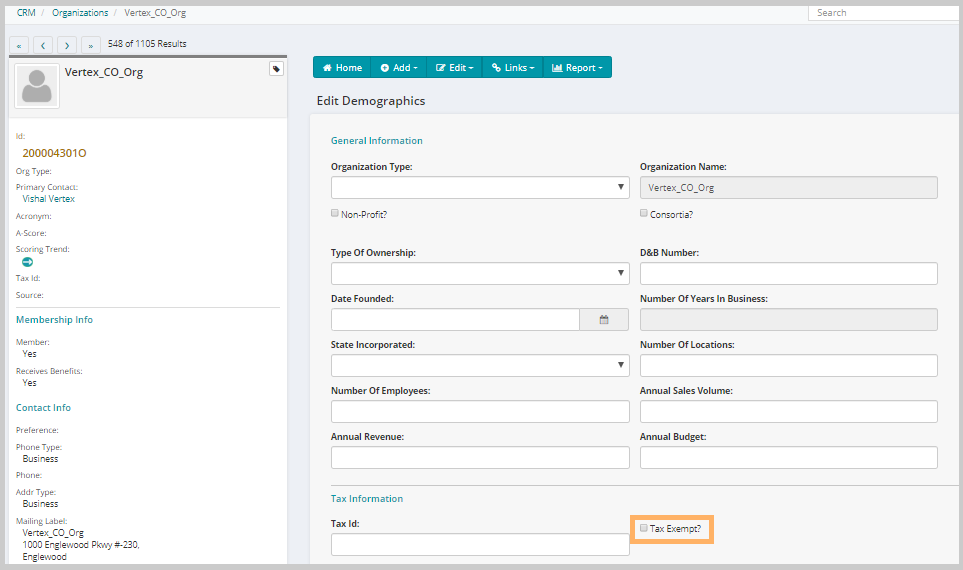
User can select the Tax Exempt check box while creating an Organization on the Add Organization page.
Important! If the customer is tax-exempt, tax will not be applied on the line item.
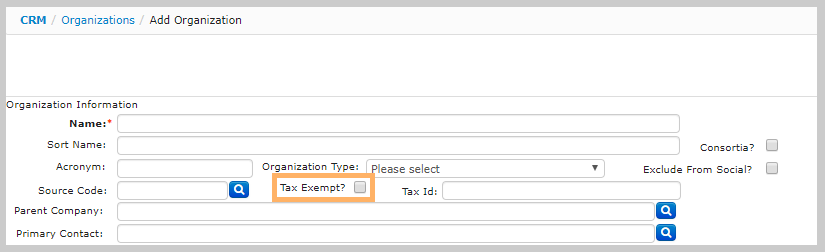
For an existing organization, Tax Exempt check box can be selected on the organization demographics page.
Go to the Organization profile and click the Edit tab and then click the Demographics link from the drop-down list. Select the Tax Exempt check box to make it Tax Exempted Organization.